Overview
Welcome to Supermove University — your central hub for mastering Supermove!
The goal is simple: to provide you with the confidence and clarity you need to succeed with Supermove from day one. This platform is designed to help your team quickly become proficient in sending quotes, booking moves, and managing jobs — all with ease.
Supermove University is more than just an onboarding tool; it’s an ongoing training resource that ensures your sales, dispatch, and operations teams stay aligned and efficient. As you progress through the modules, you’ll gain role-specific knowledge that will boost consistency, improve team collaboration, and ultimately help your business operate more smoothly and effectively.
Getting Started with the Apps
To follow along, make sure you can access Supermove from a device of your choosing:
📌 Tip: Bookmark these links so you and your team always have quick access.
What You’ll Learn in Supermove University
Platform Overview
Get a high-level introduction to Supermove. You’ll learn:
What Supermove is and how it supports moving companies.
Who uses it (sales, admin, operations).
How each role benefits from features that streamline daily work.
📌 Learn more: Supermove Overview - tab by tab - Watch Video
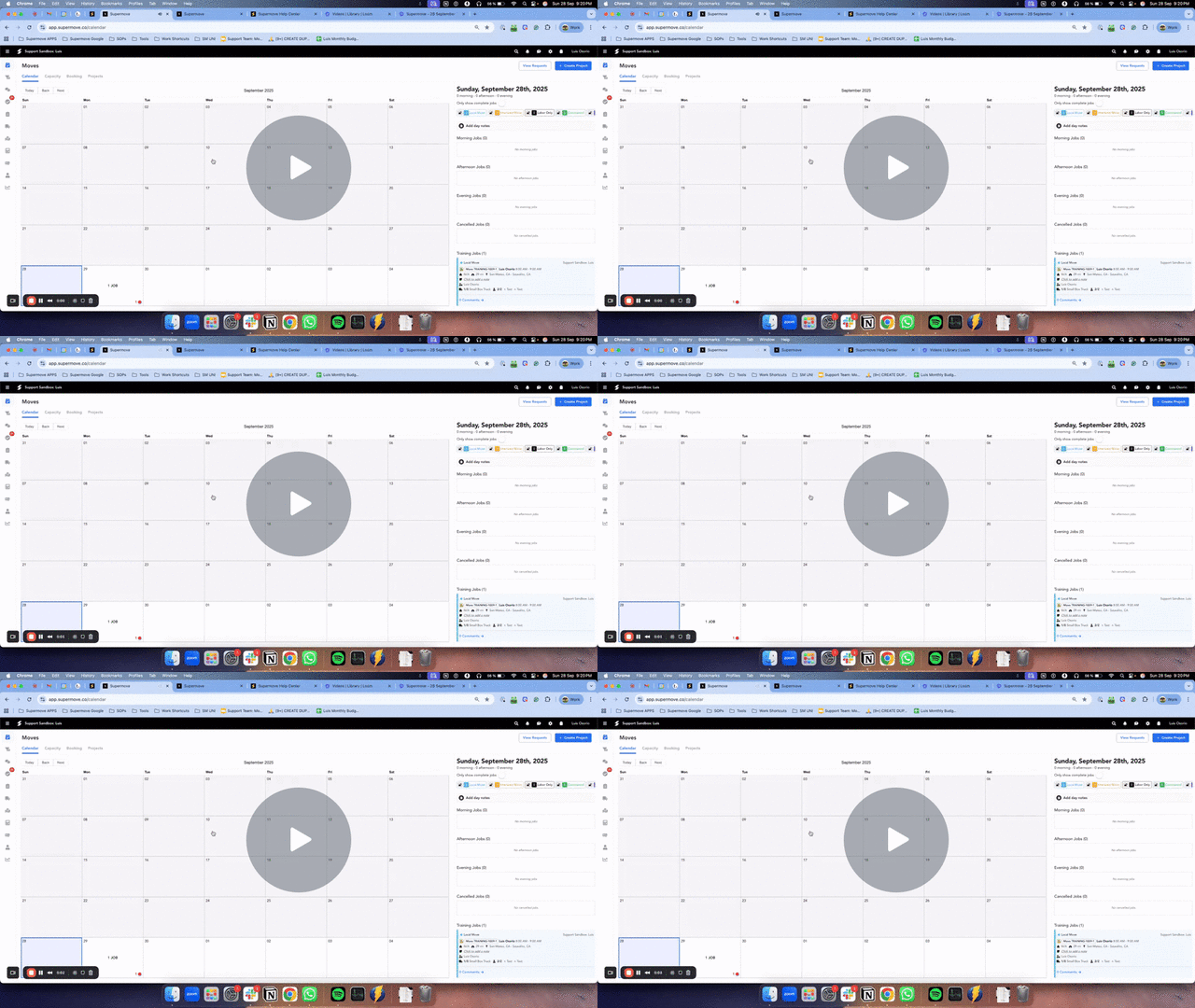
Terminology & Navigation
Master the core language of Supermove. Key terms include:
Projects – the overall move.
Jobs – individual parts of the project (packing, moving, storage).
Dispatch – where crews and trucks are assigned.
Moves – the execution of the work itself.
You’ll also get a guided tour of the interface, so you can confidently move between tabs and tools — whether you’re at your desk or in the field.
📌 Learn more: Key Terminology & Navigation Guide
Common Workflows
Step into the day-to-day of a Supermove user. You’ll practice how to:
Create and manage jobs.
Assign crews and resources.
Update statuses and track progress.
Communicate with customers directly through the platform.
📌 Learn more: Core Workflows in Supermove
✅ Next Step
Now that you’ve been introduced to Supermove University, take a few minutes to get comfortable inside Supermove itself:
Log in to the Office App and explore the layout — notice how the menus, tabs, and icons are organized.
Click through a few sections like Moves, Projects, or Dispatch to start recognizing where different tools live.
Continue your learning. Once you’ve had a chance to explore, move on to the next section in Introduction to Supermove:
👉 [Supermove Glossary: Key Terms and Definitions] — to deepen your understanding of the language and structure used throughout Supermove.
By the end of Supermove University’s introduction, you’ll have a solid foundation in Supermove and be ready to dive deeper into role-specific training.
Comments
0 comments
Please sign in to leave a comment.